I'm an Attendee, how can I view a different event in the Event App?
Attendees who are part of multiple events can switch between them in the Event App.
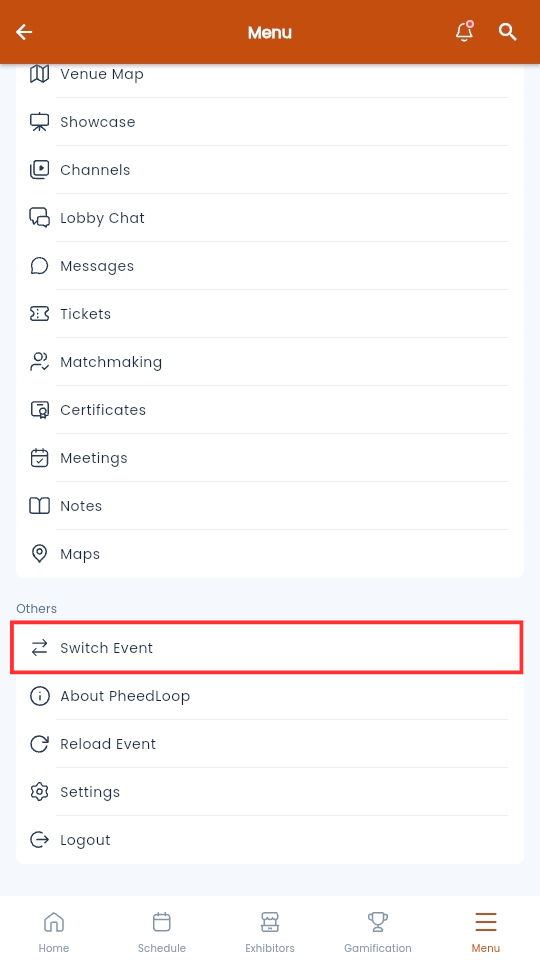
- From the Event Dashboard, navigate Menu
-
Select Switch Event
You will now be taken to the Find Event page where you can select your desired event. Use the search bar to look up events by name. If you cannot find the event you are looking for, ensure that the email you are logged in with matches your registration. If you are having trouble, please reach out to your event organizer for help.
