I'm an Attendee, how can I use the Event Feed page in the PheedLoop Go! Event App?
How to Make a Post
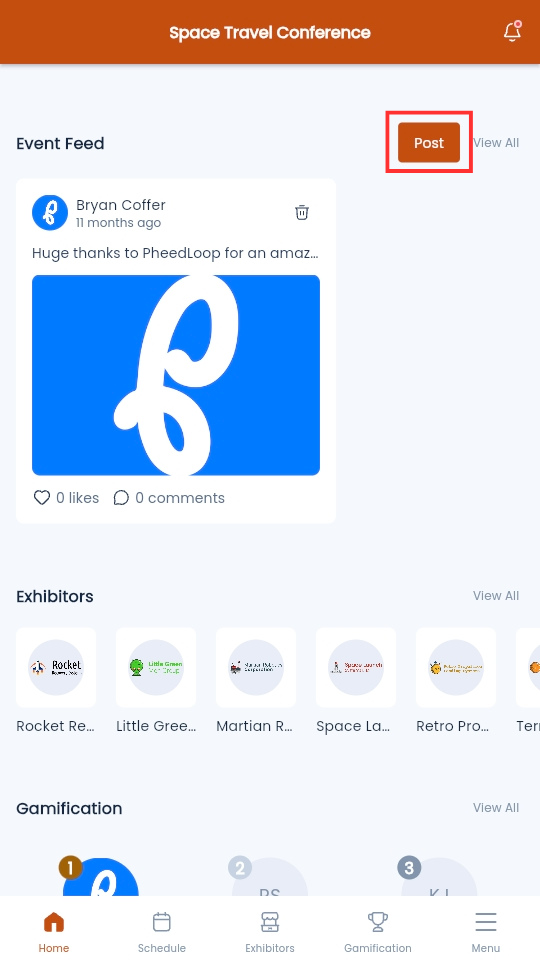
- From the Event App homepage, scroll down to Event Feed
-
Select Post
-
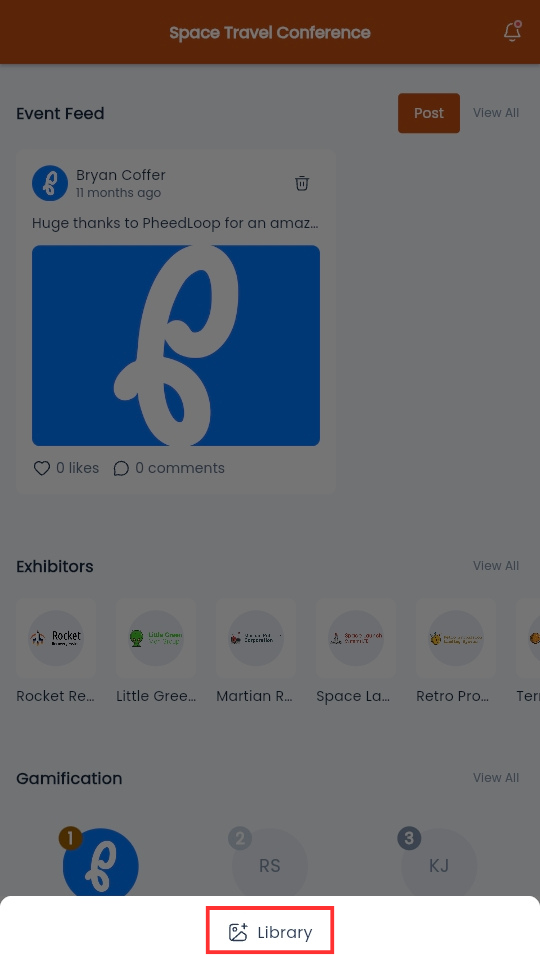
Select Library and select the file you wish to use
- Optionally type a description in the Say Something About this Feed field
-
Select Submit
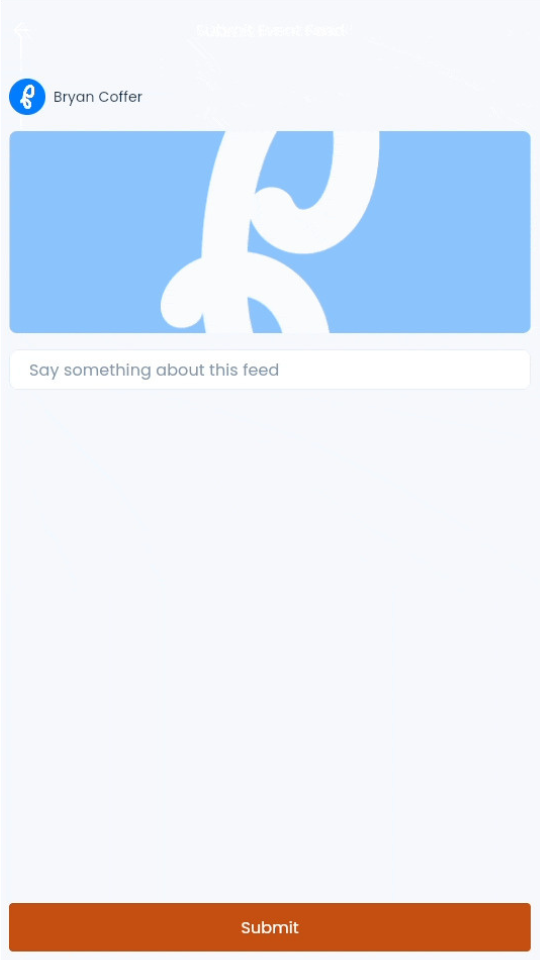
The post will now be visible on the Event Feed. If moderation is enabled for the event, the post will be hidden until approved by a moderator.
How to Delete a Post
-
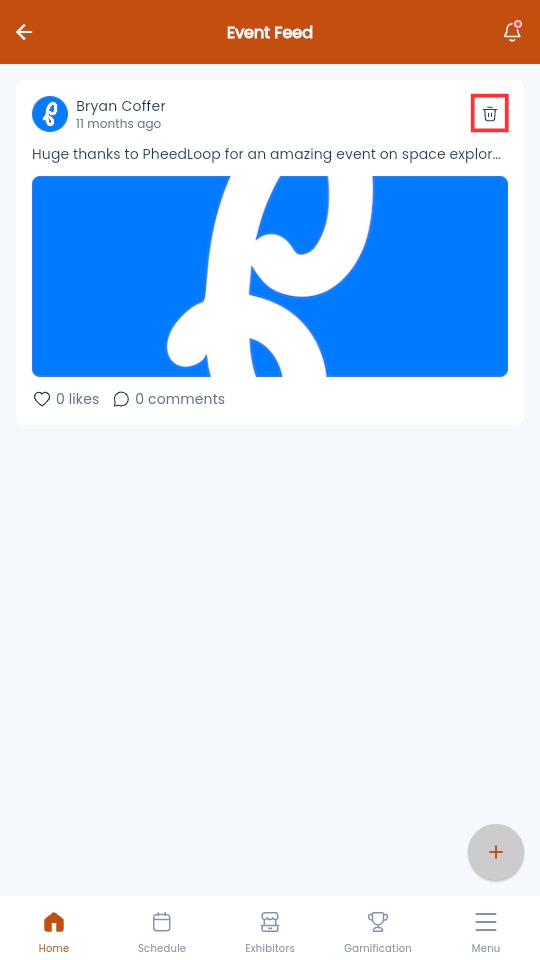
From the Event Feed page, select the trash icon on the top right corner of the post
-
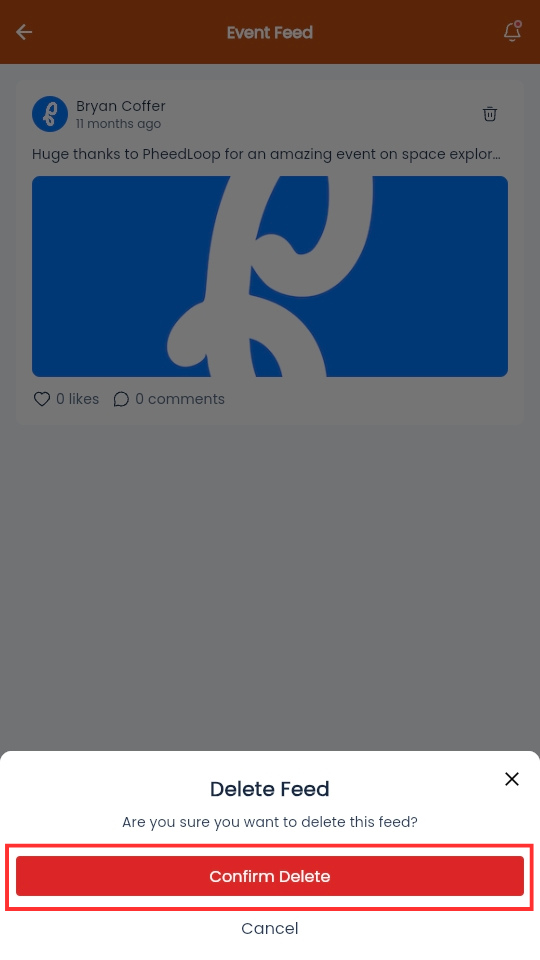
Select Confirm Delete
How to Like a Post
-
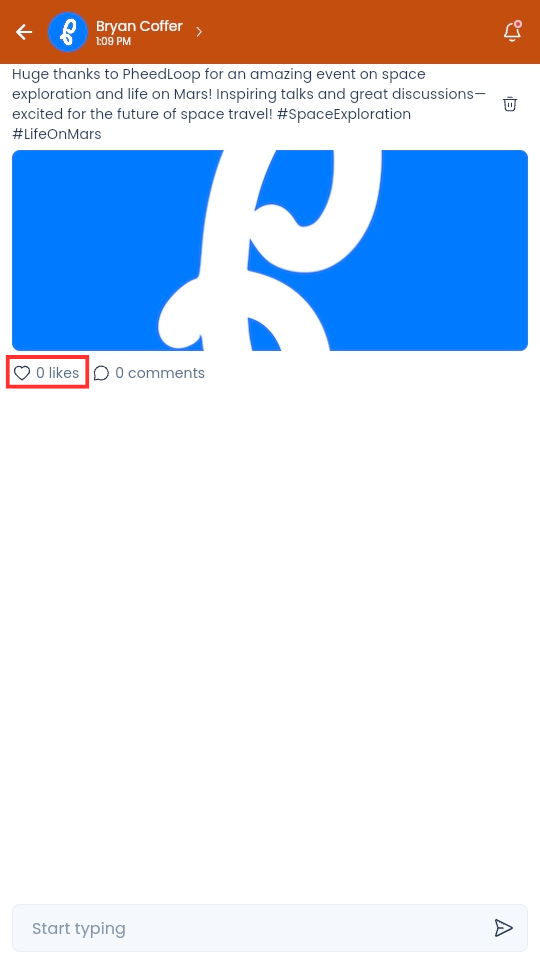
From the Event Feed page, select the like button below the post
How to Comment on a Post
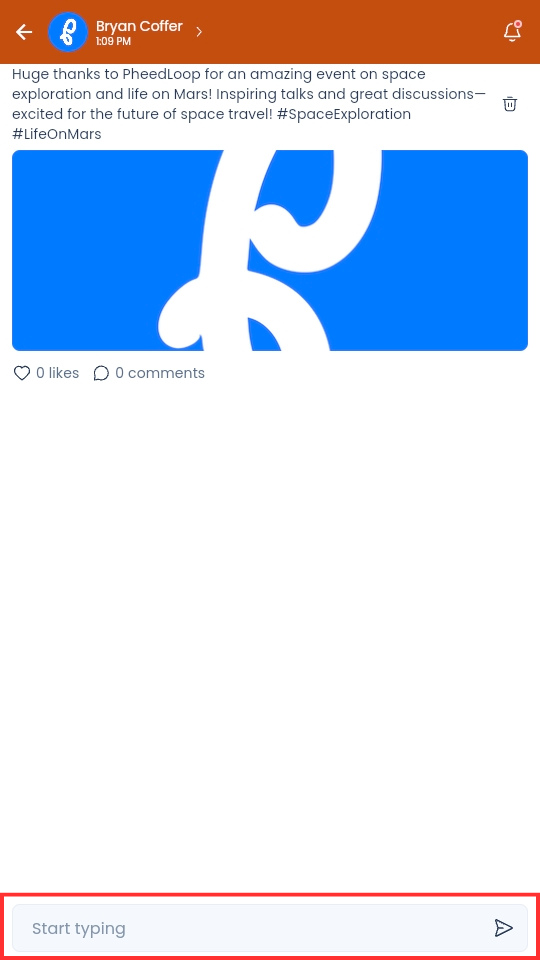
- From the Event Feed page, select the Comments button
- Under the Say Something About this Feed field, type your comment
-
Select the arrow icon to submit your comment