How can I add sessions to my schedule in the PheedLoop Go! Event App
Sessions can be added easily by selecting the bookmark icon on the Schedule page.
- From the Event App Homepage, navigate to Schedule
-
Next to the session, select the bookmark icon
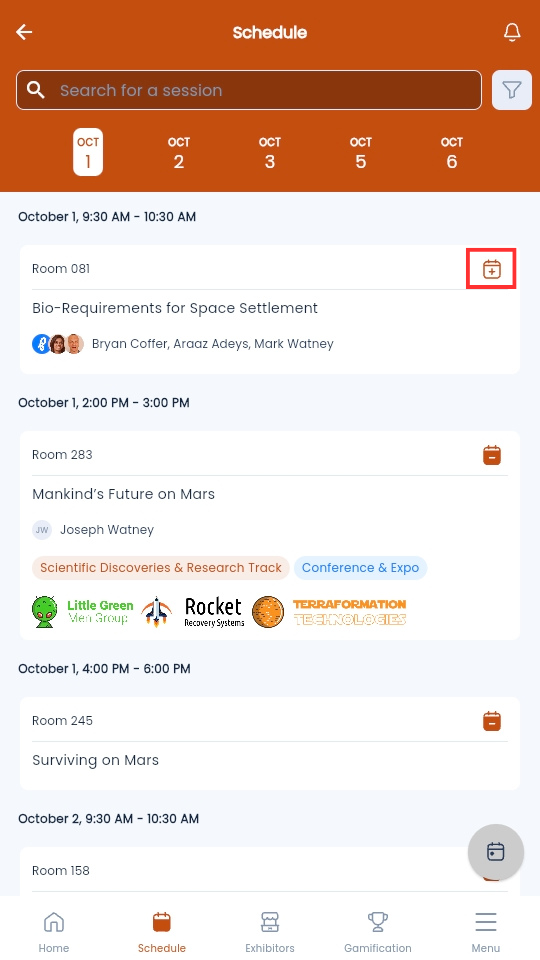
If the bookmark icon is missing, this means the Administrators for your event have disabled this option for the session. Please reach out to them if you require assistance.